 how-to
How to Market a Holiday Home on Instagram
Table of Contents
- Why Instagram Matters for Holiday Let Marketing
- Step 1: Define Your Target Guest and Property Selling Points
- Step 2: Create High-Quality Property Photography and Visuals
- Instagram Content Ideas for Holiday Rentals That Convert
- Step 3: Use Instagram Reels for Holiday Lets to Showcase Your Space
- Step 4: Write Holiday Let Instagram Captions That Encourage Bookings
- How to Get Direct Bookings from Instagram and Track Your Results
- Conclusion
- Frequently Asked Questions
Last Updated: October 15, 2026
Why Instagram Matters for Holiday Let Marketing
Instagram is where guests start looking to market holiday home Instagram presence: they scroll, pause on beautiful spaces, and decide whether your property deserves a closer look. For holiday let owners, it drives direct bookings.
The platform is visual-first: your garden, kitchen and view tell a story in seconds, and guests decide on what they see.
Property Home Photos understands this: professional photography transforms how your listing appears across social media, and clear, well-lit images make guests confident about booking.
Instagram also builds trust: consistent, high-quality content makes guests more likely to choose you over competitors, because they feel familiar with your space before they contact you.
Step 1: Define Your Target Guest and Property Selling Points
Before you post a single image, nail down two things: who you are trying to reach, and what makes your property worth choosing over the one three doors down.
Start with a one-page guest profile
Write one sentence describing your ideal guest. Not "families and couples", that is everyone, which means no one.
That sentence tells you what to photograph (the hot tub at dusk, the walk to the pub), what to write in captions, and what to stop posting (the children's play area).
Owners who gain traction quickly build three guest profiles and rotate content between them. For a two-bedroom cottage:
- Couples on short breaks, hot tub, log burner, wine glasses, local restaurant recommendations
- Small families in school holidays, enclosed garden, bunk beds, nearby attractions, parking
- Remote workers on longer stays, desk setup, broadband speed, quiet location, weekly pricing
Each profile gets its own content pillar, so you avoid posting the same lounge shot five times a week.
Identify your selling points honestly
List every feature, then cross out anything not genuinely distinctive. A dishwasher is not a selling point; a dishwasher plus a south-facing terrace with valley views and a firepit is. Group what remains:
- Location advantages, proximity to beaches, countryside, town centre, transport links, attractions
- Unique amenities, hot tub, garden, workspace, entertainment systems, off-street parking, EV charger
- Interior appeal, modern kitchen, comfortable beds, stylish décor, outdoor space
Then rank them. Your top three selling points belong in your Instagram bio, your first three posts, and every Reel for the first month.
A realistic first-30-days plan
Most beginners try to do everything at once and burn out. A better sequence:
Week 1, Set up and audit. Tidy your profile, write a bio naming your location, property type and ideal guest, and add a booking link. Audit existing photos and book a professional shoot if you have none.
Week 2, Publish foundation content. Post three static images, each showcasing one of your top three selling points, plus a simple walkthrough Reel.
Week 3, Add local and lifestyle content. Post two Reels and three static posts: one local area clip (beach, walk, market) and one caption-led post about a specific guest experience.
Week 4, Review and adjust. See which posts got the most saves, shares and profile visits, double down on that format in month two, and cut whatever flopped.
What this costs
You do not need a big budget. Pricing for professional photography and short promotional videos depends on the specific requirements of your property. Free tiers of most scheduling tools are enough for one property, and paid plans are available. Paid promotion is optional.
Once you know your ideal guest and your property's strengths, every post becomes purposeful: you show the exact reasons someone should book with you instead of a competitor.
Step 2: Create High-Quality Property Photography and Visuals
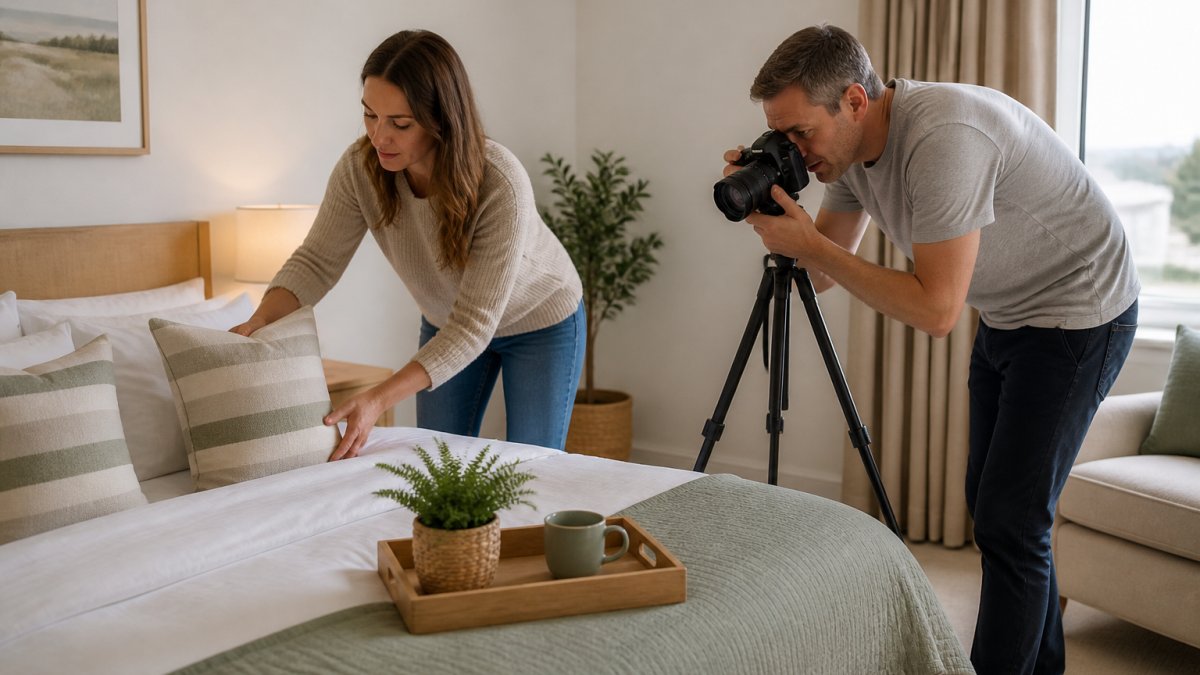
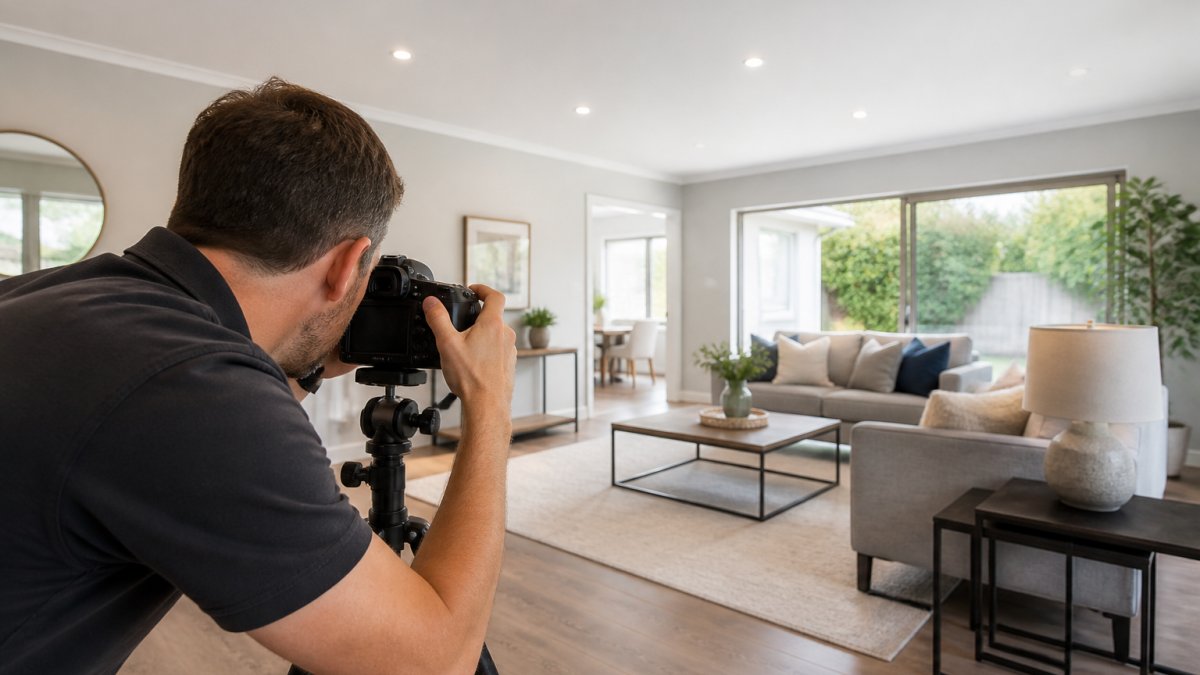
Professional photography is the foundation of Instagram success for holiday lets. Phone photos rarely convert bookings. They look flat, poorly lit, and don't showcase your space properly.
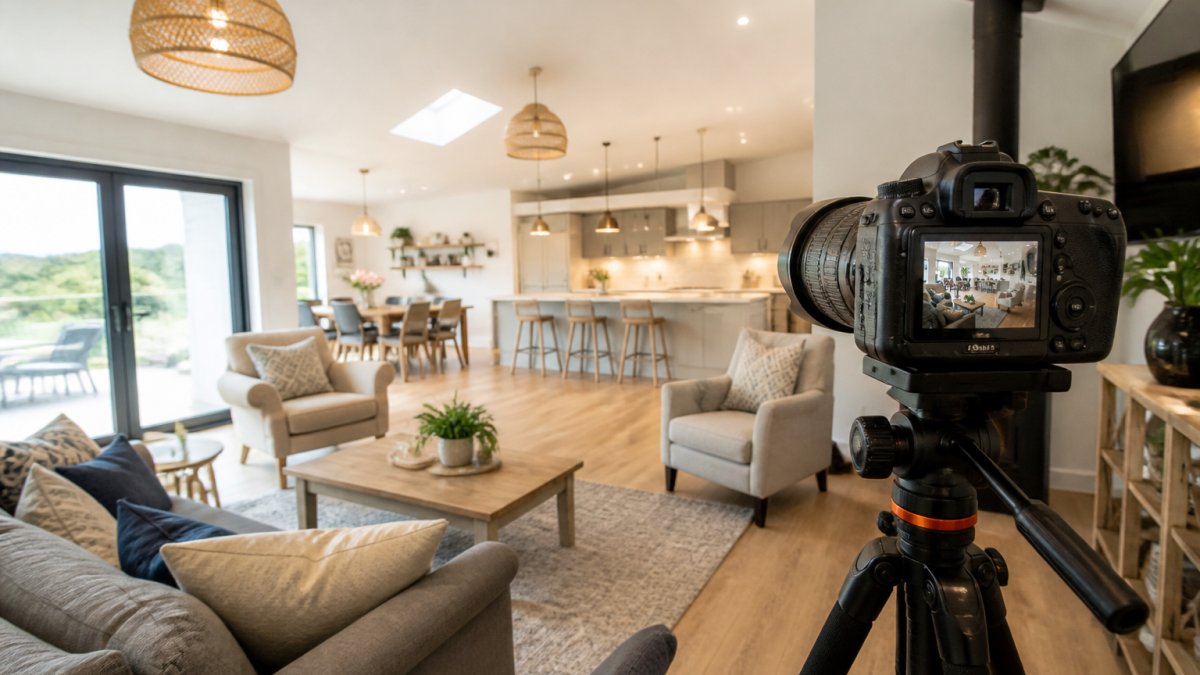
High-quality images show the actual layout and size of rooms, capture lighting and atmosphere, and build confidence that the listing matches reality.
What matters in holiday let photography:
- Lighting, Natural light during daytime shoots. Evening shots with warm artificial lighting to show ambiance. No harsh shadows or blown-out windows.
- Angles, Wide shots showing room scale. Close-ups of key features like appliances or furnishings. Shots from the perspective a guest would experience.
- Consistency, All images have similar colour tone and quality. Your feed looks cohesive, not chaotic.
Property Home Photos works directly with photographer Mark Henry Rood to capture your property at its best: a punctual, calm shoot that respects your space, with images ready for Instagram and other platforms.
Instagram Content Ideas for Holiday Rentals That Convert
Your feed should tell a story about staying at your property. Mix content types to show different reasons to book.
Tour and showcase content:
- Virtual room tours showing bedroom, bathroom, kitchen, lounge
- Walkthrough videos of the full property
- Close-ups of special features like a fireplace, outdoor shower, or vintage furniture
- Before-and-after shots if you've recently renovated
Lifestyle and experience content:
- Photos of guests enjoying the space (with permission)
- Local area recommendations, nearby beaches, restaurants, attractions
- Seasonal activities guests can do from your property
- Sunrise or sunset views from your garden or windows
Behind-the-scenes content:
- Property maintenance and cleaning between guests
- Seasonal updates and improvements
- Preparation for the next guest arrival
- Your team or family enjoying the space
Practical content:
- House rules and check-in information presented visually
- Local travel tips and transport links
- Amenity guides showing how to use key features
- Seasonal packing tips for your location
User-generated content:
- Guest photos and testimonials (always ask permission)
- Reviews and five-star ratings displayed visually
- Guest stories about their stay
- Repeat guest celebrations
The key is variety: mix beautiful property shots with practical information, guest experiences and local recommendations.
Step 3: Use Instagram Reels for Holiday Lets to Showcase Your Space
Instagram Reels are short videos (15-90 seconds) that reach far beyond your followers, making them essential to market holiday home Instagram visibility.
Reels work because they move: a 15-second video of your best features captures attention better than a static photo and gives guests a real sense of the space and atmosphere.
Effective Reels for holiday lets include:
- Property tours, Walk through each room showing layout, furnishings, and key features. Keep pace steady and natural.
- Day-in-the-life, Show what a guest might experience: morning coffee on the terrace, lunch prep in the kitchen, evening relaxation in the lounge.
- Seasonal highlights, Summer garden use, winter cosiness by the fire, spring flowers, autumn views.
- Before-and-after, Show how you've prepared the property for guests. Cleaning, setup, fresh flowers, welcome touches.
Property Home Photos can help create these Reels with professional footage; short promotional videos are part of the service.
Step 4: Write Holiday Let Instagram Captions That Encourage Bookings
The photo captures attention. The caption closes the booking.
Captions should describe the image, explain why it matters to guests, and include a clear call to action.
Caption structure that converts:
Start with the benefit, not the feature.
Add specific details.
Example captions:
"Wake up to countryside views from the master bedroom. Large windows, luxury bedding, and an ensuite shower.
"The heart of this holiday home.
"Cosy fireside evenings. Comfortable seating, board games, and streaming TV.
Keep captions honest and specific.
How to Get Direct Bookings from Instagram and Track Your Results
Instagram should drive direct bookings to your own website or booking system, not just enquiries through third-party platforms. Direct bookings avoid commission, give you the guest's contact details, and let you market to them again next year.
Setting up for direct bookings
Include your booking link in your Instagram bio. Use a link-in-bio tool to direct traffic to your booking page, availability calendar or contact form.
Create a dedicated, mobile-friendly landing page for Instagram traffic featuring your best photos, availability, pricing and a prominent booking button; sending traffic to a generic homepage causes significant drop-off.
Add a clear call-to-action to every post: "Book now," "Check availability," "Message us for dates," or "Link in bio to reserve."
Reduce booking friction
The gap between an interested follower and a confirmed booking is where most owners lose money. Common friction points:
- No visible pricing. Guests who cannot see a nightly rate often leave rather than enquire. Show a starting price or a price range on your landing page.
- No availability calendar. If a guest has to message you to find out whether their dates are free, many will not bother. Embed a live calendar.
- Slow replies. Aim to respond to Instagram DMs and enquiries within a few hours during peak season. A same-day reply converts far better than a next-day one.
- Payment uncertainty. Guests want to know how they pay, when they pay, and what the cancellation terms are. State this clearly on the landing page and in your booking confirmation.
Track the metrics that actually matter
Likes and follower count are vanity numbers. The metrics that tell you whether Instagram is working are:
- Enquiries, how many people contacted you about a stay, and from which post or Reel
- Conversion rate, what percentage of enquiries turn into confirmed bookings
- Occupancy, what percentage of available nights are booked across the year
- Average daily rate (ADR), your average nightly price across bookings
Use UTM parameters on booking links to track Instagram traffic and bookings, showing whether your effort converts to revenue rather than likes.
Ask new guests how they found you, a simple "How did you hear about us?" at check-in, combined with booking data, reveals which channels work.
Plan for seasonality
Demand for holiday lets is rarely flat. Instagram content and promotions should shift with the seasons:
- Peak season, post frequently, showcase the property at its best, and use minimum-stay rules to protect your best weeks. Content should focus on the experience guests are about to have.
- Shoulder season, this is where Instagram earns its keep. Push short-break offers, midweek discounts, and content that shows why the property is worth visiting outside the school holidays (quieter beaches, lower prices, autumn colours).
- Off-season, shift content towards cosy, indoor-led imagery: log burners, hot tubs in cold weather, long weekends. Consider longer minimum stays or weekly pricing to attract remote workers.
Plan your content one season ahead: in summer, post autumn and winter content so those bookings build early.
Adjust based on what converts
If tour Reels outbook lifestyle photos, post more tours. If detailed captions outperform generic ones, make every caption detailed. Instagram success comes from testing what your audience responds to and measuring the right things.
Conclusion
Marketing your holiday home on Instagram works when you combine professional visuals with strategic content and clear calls to action: understand your ideal guest and selling points, invest in honest high-quality photography, create varied content, write benefit-led captions, and track what converts.
Property Home Photos removes the biggest barrier to Instagram success: professional imagery. Professional photography and short promotional videos ensure your property looks its absolute best across the platform. This builds guest confidence, increases enquiries, and drives direct bookings to your website.
Frequently Asked Questions
How often should a holiday home post on Instagram?
Consistency matters more than frequency. Aim for 3-4 posts per week, with 2-3 Reels monthly. This keeps your holiday let visible in followers' feeds without overwhelming them. Space posts throughout the week to maintain regular touchpoints with your audience. Quality always beats volume, a single strong post with professional photography outperforms multiple low-quality updates.
What hashtags should I use for a holiday home on Instagram?
Use a mix of broad and specific hashtags. Include general terms like #holidaylet, #holidayrental, and #holidaycottage alongside location-specific tags (#cotswoldscottage or #lakedistrict). Add niche hashtags like #petfriendlyholiday or #familybreakaway if relevant. Research competitor hashtags and trending tags in your region. Use 15-20 relevant hashtags per post, placed in your first comment to keep the caption clean and readable.
Should I use professional photos to market my holiday let?
Yes. Professional photography dramatically increases booking enquiries compared to phone photos. Guests make snap decisions based on visuals, poor-quality images suggest poor property maintenance and lead to lower occupancy rates. Professional photos show your property's true layout, lighting, and amenities, building guest confidence before they book.
How can I turn Instagram followers into direct bookings?
Add a direct booking link in your Instagram bio and mention it in captions. Use Instagram Stories to highlight special offers or availability. Respond quickly to DMs and comments to build trust. Create content that showcases guest experiences and testimonials to build social proof. Include a clear call-to-action in captions ('Book your stay' or 'Check availability'). Track which posts drive the most clicks to your booking page to refine your content strategy.