 how-to
Hotel Photography to Improve Website Conversion Rates
Table of Contents
- Why Hotel Photography Matters for Conversion Rates
- Essential Hotel Photography Tips for Better Results
- Building a Hotel Photography Shot List by Room and Guest Need
- Optimising Hotel Website Conversion Rate Through Image Strategy
- Hotel Image Optimisation for Performance and Accessibility
- Testing and Measuring Photography Impact on Bookings
- Authenticity, Representation, and Guest Expectations
- Conclusion
- Frequently Asked Questions
Last Updated: October 20, 2026
Why Hotel Photography Matters for Conversion Rates
Professional hotel photography directly influences whether potential guests complete a booking. High-quality images build trust, reduce uncertainty, and help visitors understand what they'll experience, so guests feel confident before arrival.
Visitors spend seconds scanning your hotel website, and professional images capture attention in that window. Poor photos, blurry, badly lit, or unrepresentative, send visitors to competitors with better visuals.
Clear, well-composed images of rooms, amenities, and common areas make the booking journey feel safer and faster.
Essential Hotel Photography Tips for Better Results
Lighting matters most. Natural light through windows creates warmth and depth; supplement with soft artificial lighting to avoid harsh shadows in bathrooms and hallways.
Composition shapes how guests perceive space.
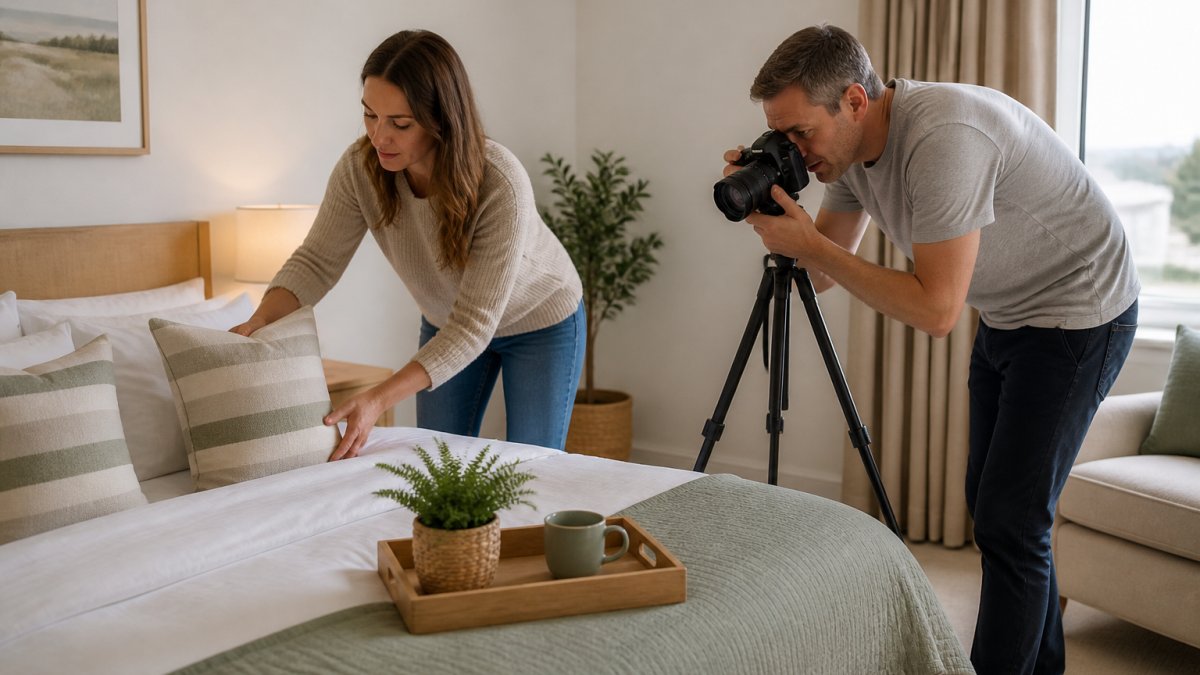
Cleanliness and styling are non-negotiable. Every surface must be spotless, and subtle touches, fresh flowers, folded towels, a coffee cup on the nightstand, signal care that guests notice.
Key photography principles:
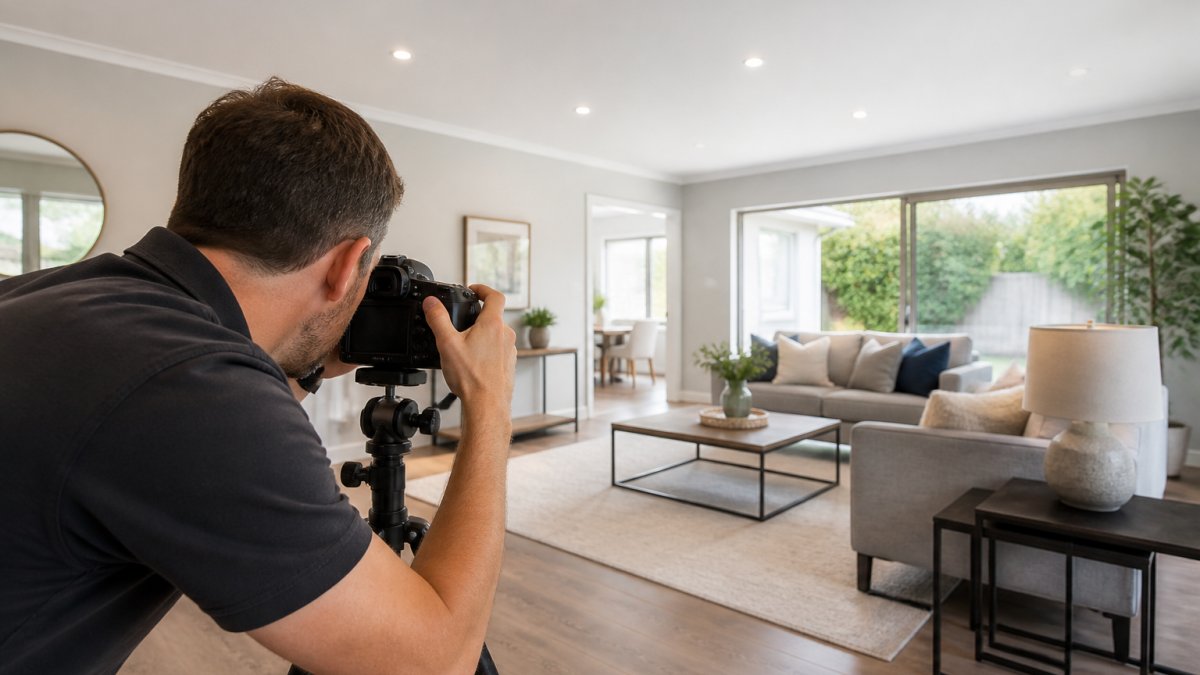
- Use wide-angle lenses (24-35mm) to capture room dimensions without distortion
- Shoot during golden hour or use consistent artificial lighting
- Include people occasionally to show scale and suggest guest experience
- Capture both wide shots and close-ups of amenities
- Avoid cluttered backgrounds and personal items
- Ensure consistent colour temperature across all images
Professional photographers know these techniques and have equipment, quality cameras, lenses, lighting rigs, that produces sharper results than smartphone photos.
Building a Hotel Photography Shot List by Room and Guest Need
A structured shot list ensures you capture every angle guests need to see. The practical value comes from specifying what to capture in each space and why it matters to a particular guest segment.
Standard hotel room shots:
- Wide shot showing full room layout from doorway
- Close-up of bed with pillows and bedding texture
- Bathroom with toilet, sink, shower/tub clearly visible
- Desk or workspace area
- Wardrobe or storage
- Window view and natural light
Common area and amenity shots:
- Reception or lobby entrance
- Restaurant or breakfast area
- Pool or spa facilities
- Gym or fitness room
- Meeting or event spaces
- Outdoor grounds or garden
Guest experience shots:
- Hallway lighting and décor
- Staircase or lift area
- Parking or arrival experience
- Pet-friendly areas (if applicable)
- Accessibility features (ramps, lifts, accessible rooms)
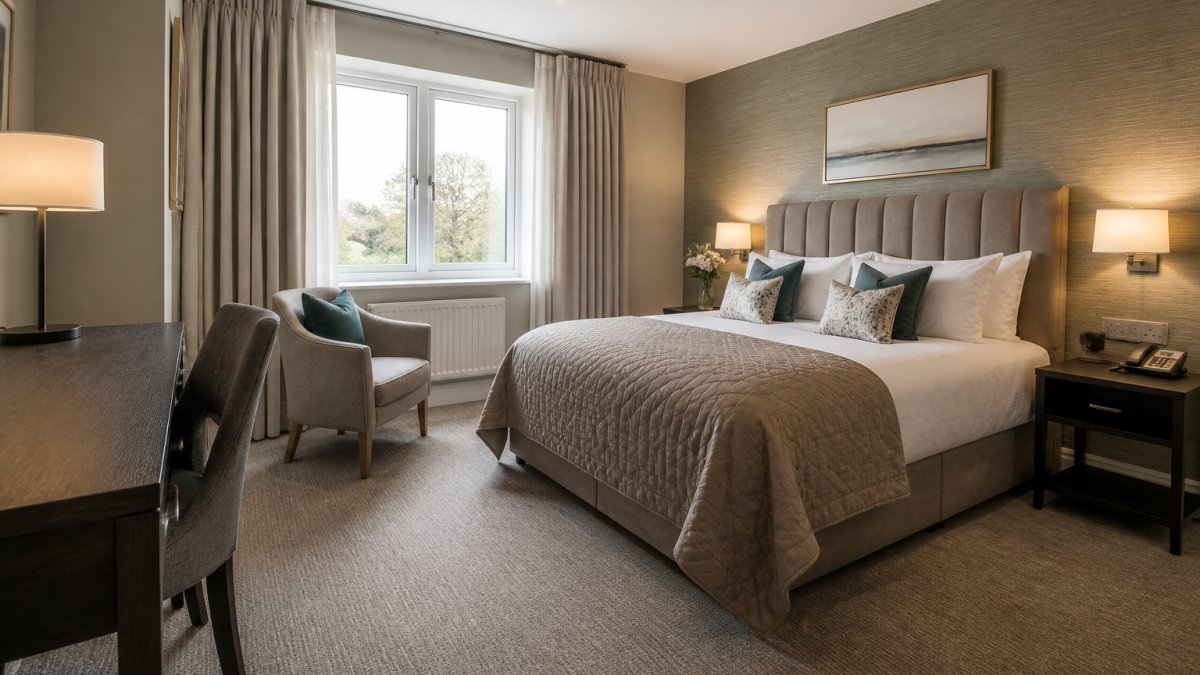
Room-type shot list specifics
Build the list around the questions each room type raises.
Bedrooms:
- Doorway wide shot at eye level (not from the ceiling) to show true ceiling height and floor space
- Bed from the foot and from both sides, so guests can judge access and bedside space
- Window wall with curtains open and closed, to show light control and privacy
- Storage: wardrobe interior, luggage space, hanging height
- Power and connectivity: socket locations, desk lamp, USB points if present
- Climate control: radiator, air-conditioning unit, thermostat position
Bathrooms:
- Full bathroom from the doorway showing bath or shower, basin, and toilet in one frame
- Shower enclosure interior with tray and screen visible
- Bathroom storage and counter space
- Towel rail, hooks, and mirror lighting
- Accessibility: grab rails, step-free shower, bath height if relevant
Dining and breakfast areas:
- Room set for service, not empty, to show capacity and atmosphere
- Buffet or serving station with labels visible
- Table settings at different sizes (two, four, six covers)
- Bar or drinks area if applicable
Accessibility features:
- Step-free entrance and ramp gradient
- Lift interior with control panel height
- Accessible room layout including turning space
- Bathroom adaptations photographed straight-on, not cropped to hide them
Mapping shots to guest needs
Different guest types prioritise different features: business travellers want desk, workspace, and Wi-Fi views; families look for room size, safety, and proximity to amenities; couples focus on bed quality, lighting, and views. Your shot list should address each segment.
Tag each image in your library by guest need, workspace, family safety, accessibility, romance, group space, so landing pages and room-selection screens can pull the images that answer each segment's common questions rather than showing everyone the same gallery.
Production workflow and refresh cadence
A shot list is only useful if it is repeatable. Use a two-tier approach: a full property shoot on a 24-36 month cycle, plus a targeted refresh after any renovation or seasonal change. Keep the list in a shared document with a status column (captured, approved, published) so gaps are visible before launch.
Property Home Photos creates comprehensive shot lists tailored to your property type and target guests. This ensures every image serves a purpose in the booking decision.
Optimising Hotel Website Conversion Rate Through Image Strategy
Where you place images affects how guests move through the booking journey.
Room listing pages need multiple angles per room type. Show the bed, bathroom, and full layout. Guests won't book without seeing these essentials.
Amenity pages benefit from lifestyle imagery. Don't just show the pool, show guests enjoying it.
Image placement strategy:
- Hero section: strongest, most appealing image
- Room type sections: 6-10 images per room showing all angles
- Amenities: lifestyle shots plus facility close-ups
- Reviews or testimonial sections: guest photos build credibility
- Call-to-action areas: use images that reinforce trust and quality
Ensure images load quickly.
Testing different image arrangements reveals what converts best, some properties find larger hero images increase bookings, others see better results with multiple smaller images that let guests explore.
Hotel Image Optimisation for Performance and Accessibility
Technical optimization of hotel website images affects both search rankings and user experience. File size directly impacts page speed.
Alt text helps search engines understand images and assists visually impaired visitors using screen readers.
Image dimensions matter. Optimize images for the exact size they display. A hero image displayed at 1200×600 pixels shouldn't be 4000×2400. Oversized images waste bandwidth and slow pages.
Technical optimization checklist:
- Compress images to 150-250KB
- Use WebP format where supported, JPEG as fallback
- Write descriptive alt text for every image (50-125 characters)
- Match image dimensions to display size
- Implement lazy loading for below-the-fold images
- Use a CDN to serve images from locations near your guests
- Test page speed on mobile devices
Schema markup helps search engines recognize your property images. Use structured data to tag room photos, amenity images, and property views.
Testing and Measuring Photography Impact on Bookings
You can't improve what you don't measure. Track which images drive the most engagement and bookings, and attribute image changes to booking starts and completed bookings while accounting for traffic source and seasonality.
Record your current conversion rate, average booking value, and pages-per-session. After updating hotel photography, monitor these metrics weekly for at least 4 weeks, changes in traffic quality often precede booking increases.
Map images to the booking funnel
Measure at each stage rather than only at the point of booking. A hero image change may lift room-detail views without lifting completed bookings; a room-gallery change may do the reverse. Track:
- Landing page: scroll depth and click-through to room types
- Room-selection screen: gallery opens, image carousel completion, time on room page
- Booking step: drop-off rate between room selection and guest details
- Completed booking: conversion rate and average booking value
Tag each image variant with a UTM parameter or a query string on the room page so your analytics can separate sessions that saw the new hero from those that saw the old one. Without this, a lift in bookings is indistinguishable from a seasonal uptick.
Control for seasonality and traffic source
Run tests for full weeks and compare like-for-like periods. A hero image tested in a quiet week will look worse than the same image tested during a school holiday. Where possible, split traffic 50/50 within the same period rather than running sequential weeks. Segment results by traffic source: direct, organic search, paid, and email visitors respond differently to imagery, and a change that helps paid social may be neutral for direct bookers.
A/B testing in practice
A/B testing specific images reveals what resonates. Try different hero images for a week each, compare bounce rates and click-through to room details, then make the winner your default. Repeat for room listing images, amenity photos, and lifestyle shots.
Keep tests narrow: one image change per test, 7-14 day windows, and a minimum sample size agreed in advance. If your booking volume is low, test at the room-detail click stage rather than completed bookings, because the sample will accumulate faster and still indicate direction.
Heatmaps and qualitative signals
Heatmaps show where guests look on your pages. Many will focus on images before reading text. If key information sits below images, guests might miss it. Reorganise based on where attention naturally flows.
Include a post-booking survey asking: "How accurate were our photos compared to the actual property?" Honest answers reveal whether your hotel photography conversion gains come from better photos or just more traffic. If guests report photos don't match reality, no amount of professional photography helps long-term.
Measurement framework:
- Baseline: current conversion rate, average booking value, engagement metrics
- Weekly tracking: bookings, conversion rate, pages per session
- Funnel tracking: landing click-through, room-gallery engagement, booking-step drop-off
- A/B testing: one image change per week, 7-14 day test windows, segmented by traffic source
- Heatmap analysis: identify where guests focus attention
- Guest feedback: ask new guests how photos influenced their decision
Authenticity, Representation, and Guest Expectations
Professional hotel photography must represent your property accurately. Overly edited images, misleading angles, or outdated photos create disappointment on arrival, damaging reviews, repeat bookings, and word-of-mouth.
Show rooms as they actually appear. If your bathroom is small, don't use ultra-wide angles that distort proportions.
Representation matters for inclusivity. Include images showing accessibility features. Photograph rooms from multiple angles so guests with different needs can assess suitability.
Seasonal changes affect what guests see. Update photos seasonally if your property changes significantly. A winter garden photo followed by summer arrival creates disappointment.
Conclusion
Hotel photography directly influences booking decisions. Professional images build trust, reduce uncertainty, and guide guests through your booking journey. Strategic placement, technical optimization, and honest representation combine to improve your hotel website conversion rate.
Property Home Photos provides professional property photography and short promotional video services designed to help homes, holiday lets, hospitality venues, and commercial spaces secure more enquiries.
Start by auditing your current photography against top competitors. If your images look noticeably less polished or don't clearly show your rooms and amenities, professional hotel photography is your highest-impact conversion opportunity. Request a quote from Property Home Photos to discuss your specific needs and timeline.
Frequently Asked Questions
Do professional hotel photos actually increase website conversion rates?
Yes. High-quality, authentic hotel photography builds trust with potential guests and reduces booking hesitation. Professional images show room layouts, finishes, and amenities clearly, helping visitors make confident decisions. Poor or misleading photos create doubt and lead to cancellations or complaints when guests arrive. Professional photography directly supports your conversion rate by removing barriers to booking.
What makes a hotel room photo more persuasive to potential guests?
Persuasive hotel room photos show natural light, accurate colours, and key details guests care about: bed quality, floor space, bathroom finishes, and views. Avoid cluttered angles or overly staged scenes that don't match reality. Include lifestyle context, a guest relaxing by the window or using the desk, to help visitors imagine themselves in the space. Consistency across all images builds confidence in your listing.
How often should hotel photography be updated?
Update hotel photography whenever you make significant property changes: renovations, new furniture, updated amenities, or seasonal refreshes. For actively managed properties, refresh images every 12-18 months to keep your website current and signal that the property is well-maintained. If you notice booking inquiry decline or guest complaints about photo accuracy, update immediately. Regular updates also signal to search engines that your website content is fresh.
How can hotels test whether new photos improve conversion rates?
A/B test by replacing one set of images (e.g., bedroom photos) while keeping others constant, then track booking inquiry volume and conversion rates over 4-6 weeks. Use your booking engine analytics to compare visitor behaviour on pages with old versus new images. Monitor which room photos receive the most clicks and time-on-page. Test different angles, lighting, and styling to see which resonates with your audience. Attribute booking increases to specific image changes to understand what works.